Quick edits.
Just ask.
Change your photo with a few words.
Swap a color, change a background, or sketch what to fix. Photochop turns your instructions into a new image.
Free for now. Just your email. No credit card. No generation limits for now.

 BeforeAfter
Your edit,
made simple.
- 01
Upload a photo
Choose a photo from your phone or computer.
- 02
Ask for a change
Describe the edit. Draw on the photo if you want to point something out.
- 03
Save your edit
Download the result, or make another change. Your previous versions stay in History.
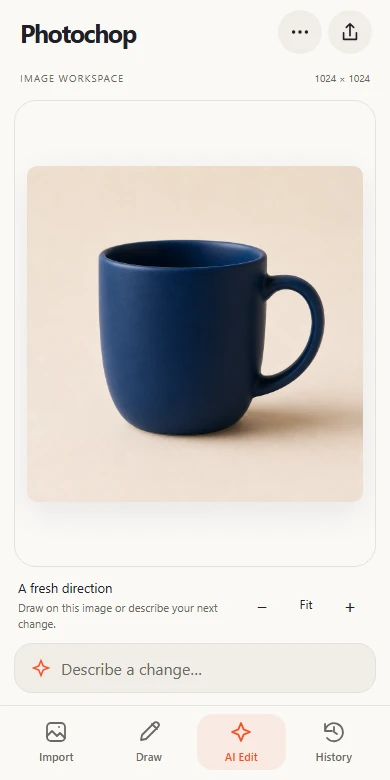
Edit here.
Share anywhere.
Edit from your camera roll. Mark a change with your finger, then download or share the result.
- Touch drawing with undo and redo
- Every generated version in your history
- Add to your home screen for quick access
Good to know.
Is Photochop really free?
Yes. Enter your email and generate for free, with no generation limits for now. No password or credit card is required. We save your email with your generations; your image history stays private to this browser.
Do I need to know how to edit photos?
No. Say what you want to change, or draw on the photo to point it out. You can always try another edit.
Can I use it on my phone?
Yes. Photochop works in your phone’s browser. You can add it to your home screen from the browser’s menu. On iPhone, open it in Safari and choose Share, then Add to Home Screen.
Where do my images go?
Your images and prompts are sent to OpenAI to create the result. Generated images are stored on our server and linked to your browser’s private history. Drafts are also saved on your device when browser storage is available. Clearing your browser’s cookies loses access to that history, so download images you want to keep.
Does it work without internet?
AI generation needs an internet connection. After opening the app online, you can recover your saved draft offline on supported browsers. Reconnect when you’re ready to generate.
Got a quick edit?
Get it done.
Edit a photo — freeFree for now. No credit card required.